Filing Medical claims in BenAsk
Medical member claims in BenAsk: superbills, out-of-network bills, COB with other coverage, and EOB follow-up—assist-only Phase 1; SPD rules win.
When you start a new claim, pick Medical if that best matches the expense. This helps BenAsk suggest the right checklist and document expectations. Your plan documents remain the authority on coverage.
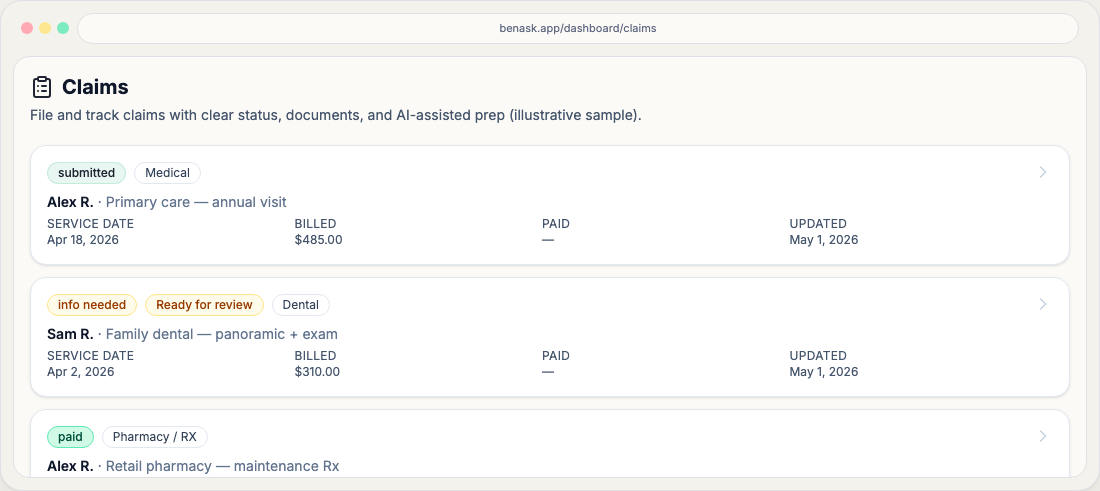
Nine-step wizard (shared by every type)
BenAsk uses one sequence for every category: Purpose → Benefit type → Upload documents → Patient → Plans & COB → Service details → Codes & notes → Carrier playbook → Review & validate → Submit (assist). Read the Claims journey hub for the full member-filed path.
Common documents
- Itemized bill or superbill
- Carrier-specific claim form when required
- Referral or prior authorization when applicable
After you submit
Track workflow status on your Claims page and attach carrier responses (EOBs, letters) to the same claim object for a complete record. The Claims journey hub explains what usually happens next.
FAQ
- What if my expense spans categories?
Pick the category that matches the primary service. If your plan requires separate submissions, create separate claims as instructed by your carrier materials.