File uploads: formats, size, and errors
Supported file types, upload errors, and AI analysis allowances: medical files count; onboarding benefits-guide extracts do not.
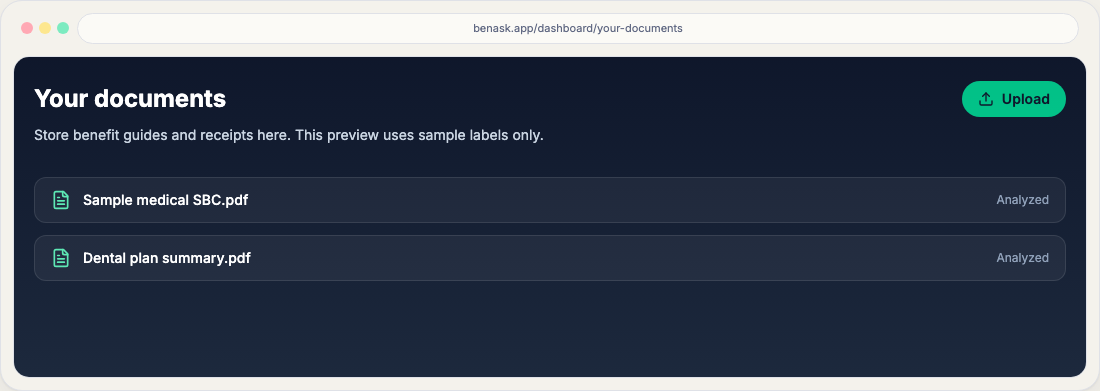
On Documents, prefer PDF, JPEG, PNG, or HEIC (including phone photos). Word (.doc/.docx) and CSV are not accepted on the secure hub upload path—export a PDF instead. Prefer searchable PDFs from your employer or carrier portal. Keep files under the size limit shown in the upload card (up to 25 MB on the secure path).
If an upload fails
- Try re-exporting the PDF from the source system (avoids scanned “flat” images when possible).
- Reduce file size by splitting very large packets into logical parts.
- Check your network connection and retry after a short wait.
AI document analyses
Each plan includes a pool of AI document analyses—not a daily message quota. Free includes 5 lifetime; Platinum 40 per month; Platinum Plus 150 per month shared across the household. Medical bills, chat attachments, inbound email or Telegram files, and Reanalyze count. Onboarding and benefits-guide extracts do not. When the pool is used, new analyses pause until the next period or an upgrade. Start a complimentary Platinum month or subscribe from Plan & billing, or compare allowances on Pricing.
Data handling
High-level practices are described in the Privacy Policy. For HIPAA-related questions, use the contacts listed there.
FAQ
- Are uploads encrypted?
Transport uses HTTPS; see the Privacy Policy for storage and subprocessors.
- What counts as an AI analysis?
Medical documents, chat attachments, inbound files, and Reanalyze. Benefits-guide extracts from onboarding are included and do not count toward 5 / 40 / 150.