What “Denied” means for your claim
Denied means the payer’s EOB declined some or all services—read denial codes, check deadlines, then plan appeal or corrected resubmission per your plan.
When a claim shows Denied on your dashboard, it reflects where that claim is in BenAsk’s filing checklist—not a guarantee of payment from your carrier. Your employer’s plan and the carrier remain the legal source of truth for benefits.
For the full member-filed claim path (decide → wizard → COB → submit → EOB → appeals), start with the Claims journey hub.
Where you see this status
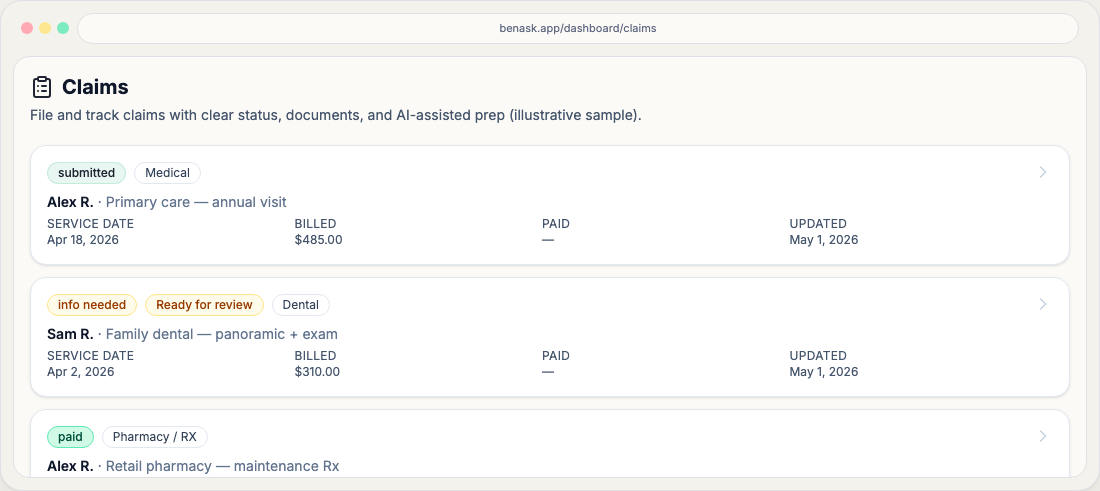
Open Claims from the dashboard. Each claim has a workflow status chip that updates as you add documents, finish the wizard, and record payer outcomes from Actions.
What to do next
Read denial reason/remark codes on the EOB or letter, then map them to your SPD’s appeals section. BenAsk may offer an appeal draft in Analysis when enabled—have a human review before mailing.
- Confirm whether the denial is **timely filing**, **not covered**, **COB**, or **coding**—each has a different fix path.
- Attach the denial artifact to the claim and record appeal deadlines in your own calendar.
FAQ
- Is this the same as my insurance claim status?
Often similar, but not always identical. BenAsk tracks your preparation and submission steps; carriers may use different labels in their portals.
- Can I change this status myself?
Some transitions happen when you complete steps in the app (for example, moving from draft to ready to submit). Others update when you record carrier outcomes.