Add a plan manually
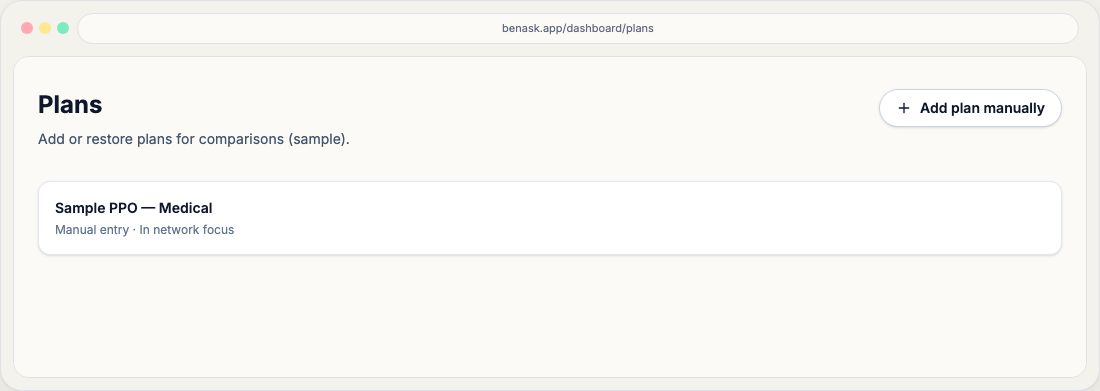
Add a plan by hand from Plans, or during onboarding for medical, dental, and vision, including an optional file.
Manual entry is useful for secondary coverage (pet insurance, spouse plans) or when PDF parsing is incomplete. Enter values exactly as shown on your official materials.
Provider and plan details
Optionally link the plan to a carrier or provider: pick one from the system list or create a new name. You can also add an official link and/or upload a PDF or image (up to 5 MB) on the same form—BenAsk uses these to enrich provider info and summarize coverage for chat. You can add or change a link or file later from Plans → Coverage → Add policy.
During onboarding
On Add plans, choose I’ll add my plans myself. Benefit type is only Medical, Dental, or Vision. Known carriers appear in a searchable list; Other is where you type a new name. The link and file stay optional, and you can save without choosing a carrier.
Best practices
- Double-check deductible and out-of-pocket maximums.
- Note whether the plan is HSA-eligible when relevant.
- Use official carrier links when attaching plan details.
FAQ
- Will manual data sync to my carrier?
No. BenAsk stores what you enter for decision support in your workspace.